Product Notes
AI FileSorter Blog
Release highlights, roadmap updates, and practical tips.
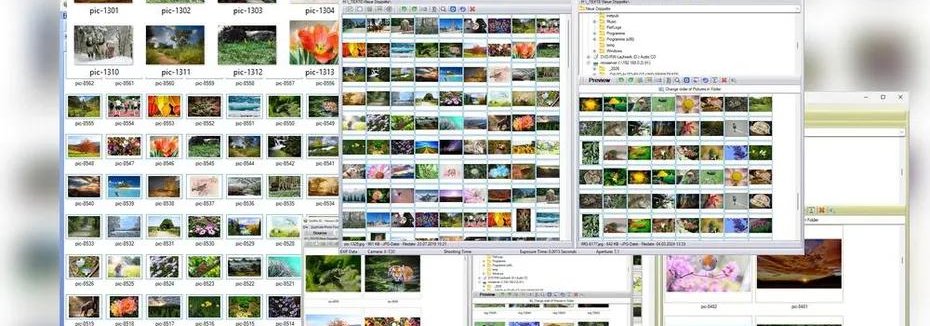
Large photo collections and mixed folders are common. It is not unusual to have thousands, or even tens of thousands, of images sitting in Downloads, phone backups, camera imports, screenshots folders, or old archive drives.
A natural question is: Can AI File Sorter reliably process very large batches, such as 10,000+ pictures? The short answer is yes, AI File Sorter is designed to work with large batches. However, the speed and overall experience depend heavily on your computer’s hardware, especially when image analysis is enabled.
Read post
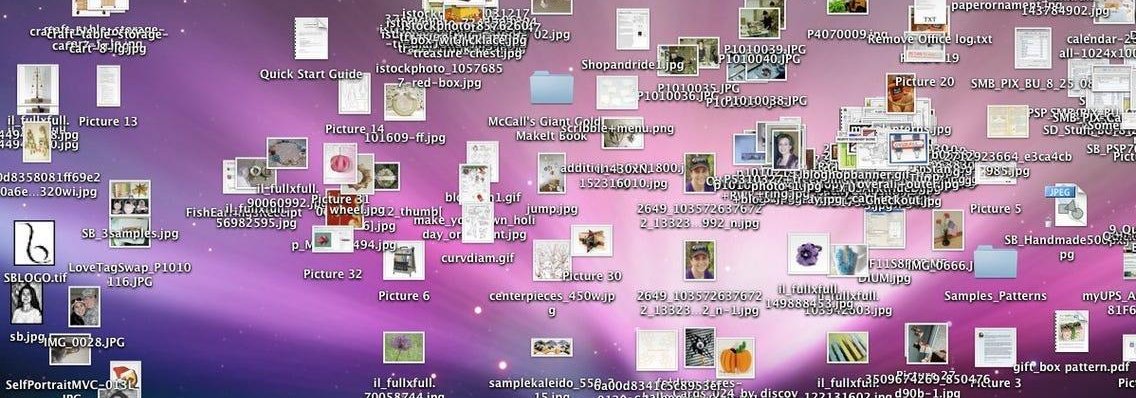
The Downloads folder tends to become a dumping ground. Screenshots, installers, PDFs, images, random files with unclear names - everything ends up there. Over time, it becomes harder to find anything, and most files are either forgotten or duplicated.
This guide walks you through a simple, practical way to clean it up using AI File Sorter. The goal is not just to tidy things once, but to make the folder manageable going forward.
Read post
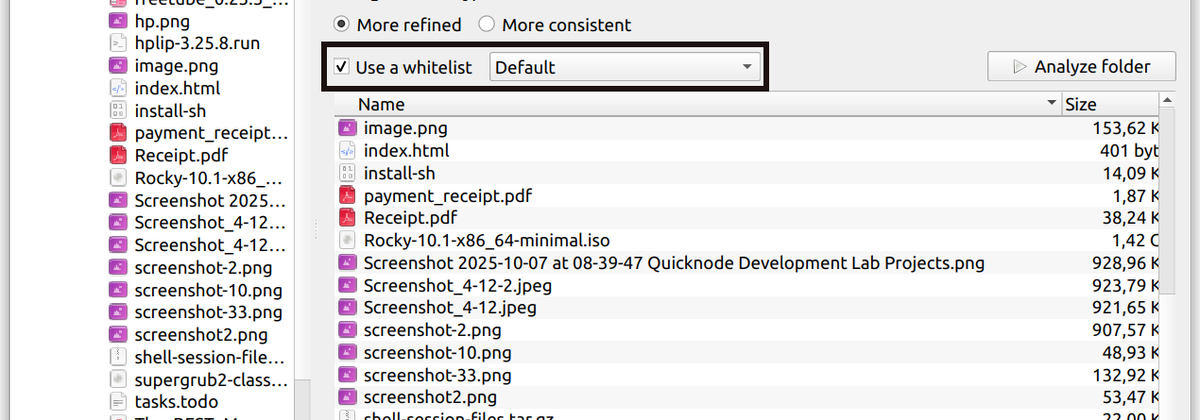
AI File Sorter is designed to adapt to your filesbut sometimes you want it to adapt to you. When you already have a clear idea of how your files should be organized, flexibility alone is not enough. You need a way to guide the categorization process so it stays consistent, predictable, and aligned with your own structure.
This is where whitelists come in.
Read post
Version 1.7.3 is a "make things behave more predictably" release.
No major new features this time - just a lot of work under the hood to improve consistency, make runs more tolerant of real-world input, and reduce edge-case friction.
Read post
Let’s start with the obvious:
Your files are not organized.
Not really.
They’re… grouped.
Loosely.
Emotionally.
Historically.
Somewhere between “I’ll fix this later” and “this is fine”.
AI File Sorter exists to gently intervene.
Read post
Most people have folders that slowly turn into archives of chaos. Downloads accumulate. Screenshots pile up. Documents end up with names like scan_0021.pdf or IMG_4928.jpg, photos are saved with file names like DSC_0193.JPG. Over time, finding anything becomes harder, even if the files themselves are still there.
Read post